
Free Shipping all over in Australia 😊

How to perform a screen firmware upgrade

If your screen becomes smaller or rotates, don’t worry. It’s just because the screen firmware is not compatible. You can follow the steps below to operate.
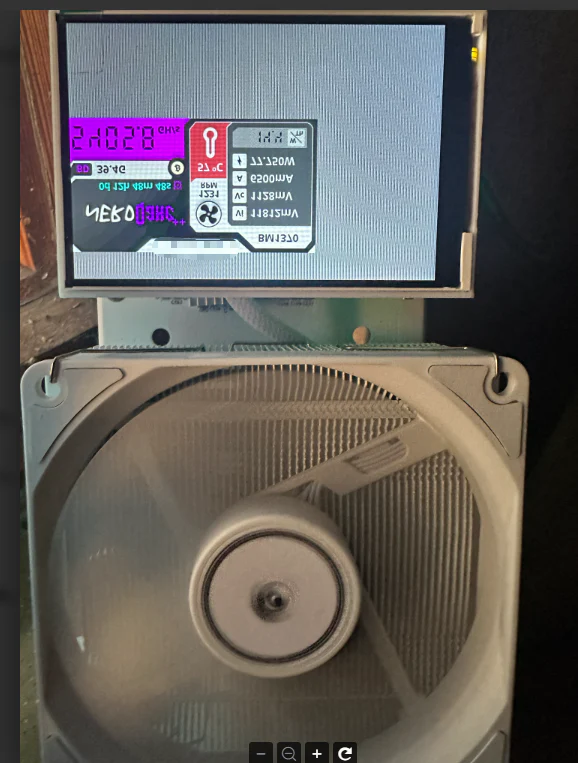
Close-up of a computer cooling system with a digital display showing system information like temperature (21°C) and voltage (VmStart, Vm8t). The fan dominates the view.
https://github.com/yysluping/vastbtc/releases

1)Open this website, download it to your computer,

2)Connect the machine to the computer using a USB data cable and install the firmware on the computer.

Then everything will be back to normal.

Here is a video that you can refer to

Leave a Comment

Your email address will not be published. Required fields are marked *

Scroll to Top